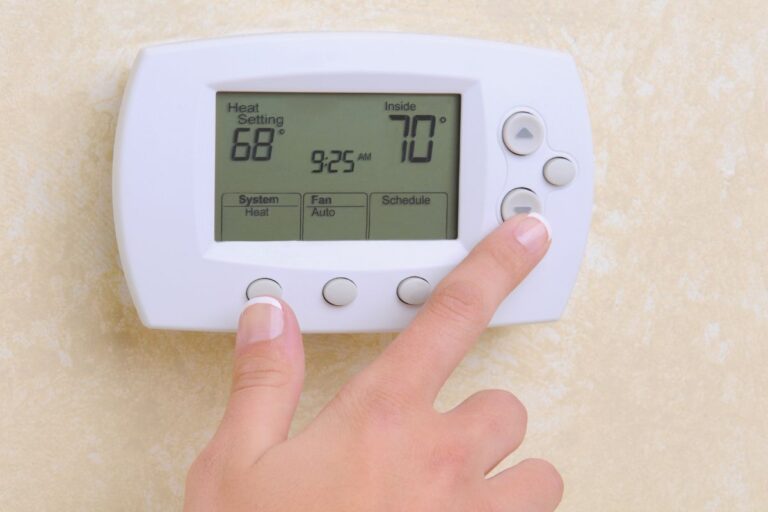

Is your thermostat resetting itself and causing frustration? In SWFL, the last thing we want is issues with our air conditioner. Whether you have a smart thermostat, an old thermostat, or even a non-programmable thermostat, this common issue can disrupt the comfort of your home. In this post, we’ll explore the possible causes and best ways to address them yourself.
How to Troubleshoot Your Thermostat Resetting Itself
Before diving into troubleshooting, you’ll need to identify the type of thermostat you use to control your air conditioner. Programmable or smart and non-programmable thermostats work differently and may have different issues causing them to reset. We’ll go through some common causes and solutions to troubleshoot your thermostat issues below, but if you get stuck, schedule an appointment with a professional HVAC tech for a quick solution!
Common Causes and Solutions
1. Weak or Old Batteries
One of the most common reasons for a thermostat to reset itself is old batteries. If you haven’t changed them recently, replacing them with new batteries is a good first step. Weak batteries can’t maintain the necessary power to keep your thermostat running properly, leading to resetting issues.
2. Power Outages and Electrical Issues
Power outages or electrical issues can cause your thermostat to reset. If your home has experienced a power outage recently, this could be the culprit. Additionally, check for blown fuses and loose connections in your HVAC system. Ensuring that your thermostat is securely connected to a low voltage power source can help prevent resets.
3. C Wire Problems
Many modern thermostats, especially smart ones like the Nest thermostat, require a continuous power supply provided by a C wire. If your system lacks this wire or if it’s not properly connected, it might cause your thermostat to reset. Consulting your owner’s manual or seeking professional help from an HVAC technician can resolve this.
4. Default Settings and Factory Resets
Sometimes, thermostats reset to their default settings due to factory defaults being triggered. This can happen if the reset button is accidentally pressed or if there’s a glitch. Check your user manual for the reset process specific to your model number and ensure that you haven’t accidentally initiated a reset.
5. Energy-Saving Programs and Demand Response Events
Some thermostats participate in energy-saving programs or demand response events coordinated by your power company or energy company. These events can cause your thermostat to adjust settings to reduce energy consumption during peak times. If you notice your thermostat resetting during specific times of day, this could be why. Contact your utility provider for more information.
6. Software Updates and Firmware Issues
For smart thermostats like the Nest thermostat or Insteon thermostat, software updates can sometimes cause resetting issues. Check if there’s an available update for your thermostat and apply it. If you encounter a CSS error or similar issue, consulting the Insteon forums or the support site for your thermostat brand might provide a solution.
7. Thermostat Settings and Set Points
Make sure that your thermostat settings and set points are correctly configured. If your thermostat is set to a temperature regulation mode or has an energy-saving program enabled, it might reset to conserve energy. Adjust the settings menu and hold setting to match your preferences.
8. External Factors
External factors like a demand response program or active savings events initiated by your energy grid can also cause resets. These are typically beyond your control but understanding them can help you anticipate when they might occur.
Additional Steps
If you’ve tried the above solutions and your thermostat still resets, consider these additional steps:
- Inspect your air filters and ensure they are clean, as clogged filters can affect the HVAC system’s performance.
- Check for short cycling in your AC unit, which might indicate an underlying problem with your cooling system.
- Make sure that your thermostat cover is securely in place and not causing loose connections.
When to Seek Professional Help
If you’ve exhausted all troubleshooting steps and the problem persists, it might be time to seek professional help. An HVAC technician can diagnose and fix any underlying issues that might be causing your thermostat to reset.
Experiencing thermostat resetting issues can be frustrating, but the good news is that many of these problems can be solved with a bit of troubleshooting. If all else fails, don’t hesitate to reach out to our professional for assistance. Good luck with your troubleshooting efforts!